Github CLI (gh)
Github CLI란?
GitHub CLI는 GitHub를 터미널에서 직접 다룰 수 있게 해주는 공식 command-line tool임. 평소 브라우저로 GitHub 웹사이트에 들어가서 하던 작업들(레포 생성, 이슈/PR 관리 등)을 명령어로 처리할 수 있게 해줌.
Installation
apt install ghSetup
gh auth login
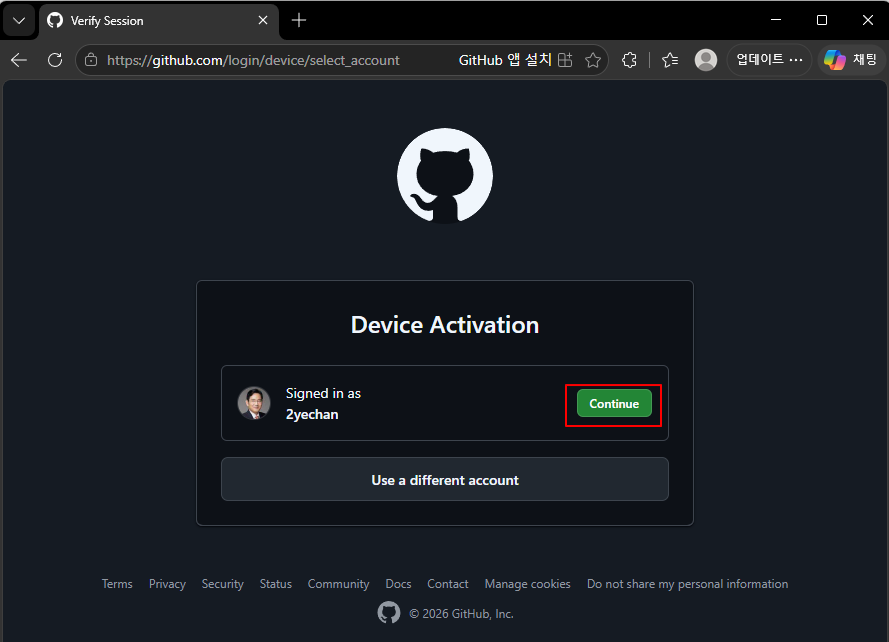
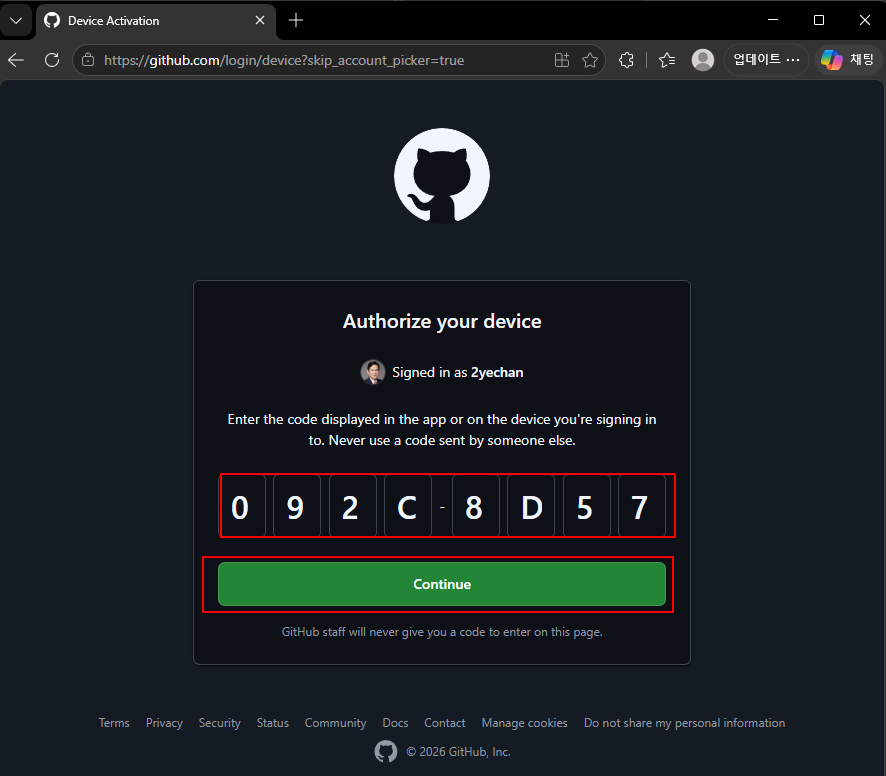
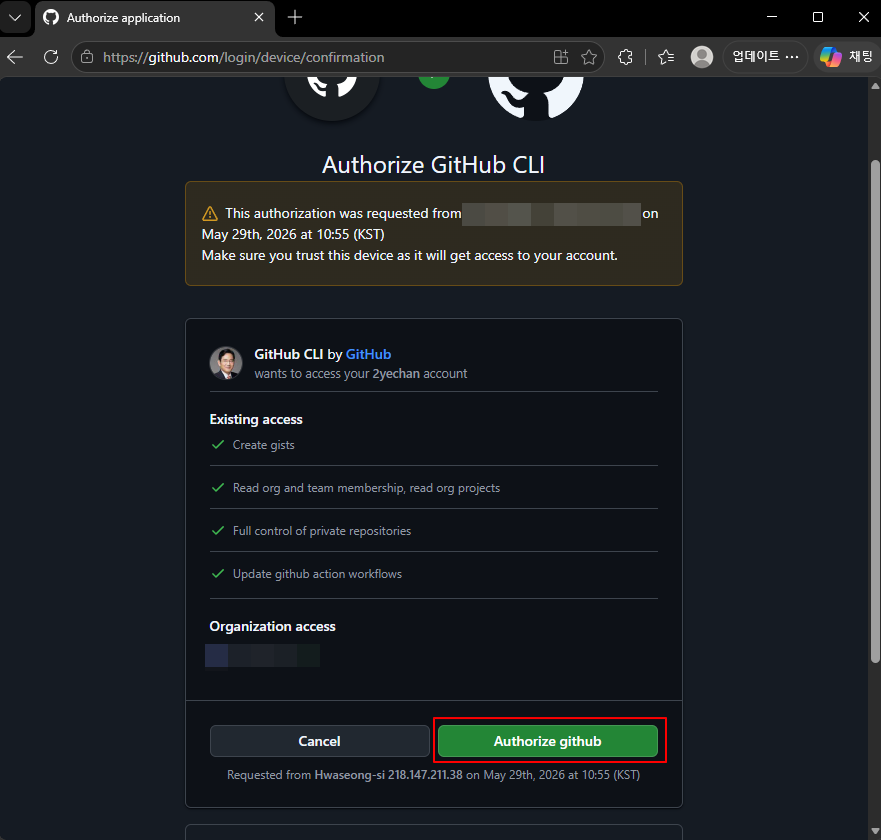
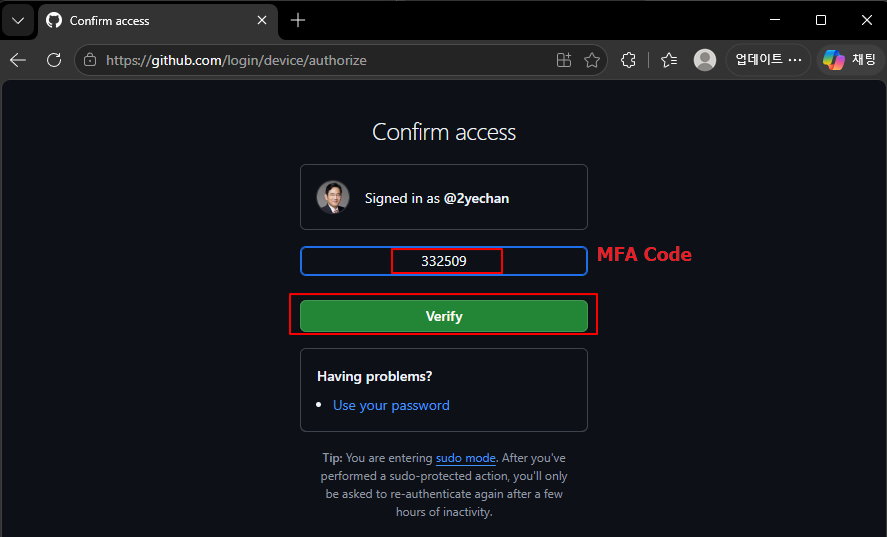

checking
gh auth statusgithub.com
✓ Logged in to github.com account 2yechan (/root/.config/gh/hosts.yml)
- Active account: true
- Git operations protocol: https
- Token: gho_************************************
- Token scopes: 'gist', 'read:org', 'repo', 'workflow'Create Local Repository & Create and Push to Private Remote Repository
cd grpc-folder-transfer

git init

git add .

git commit -m "Initial commit"

gh repo create grpc-folder-transfer --private --source=. --remote=origin --push
✓ Created repository 2yechan/grpc-folder-transfer on GitHub
https://github.com/2yechan/grpc-folder-transfer
✓ Added remote https://github.com/2yechan/grpc-folder-transfer.git
Enumerating objects: 18, done.
Counting objects: 100% (18/18), done.
Delta compression using up to 2 threads
Compressing objects: 100% (15/15), done.
Writing objects: 100% (18/18), 22.86 MiB | 6.95 MiB/s, done.
Total 18 (delta 0), reused 0 (delta 0), pack-reused 0 (from 0)
To https://github.com/2yechan/grpc-folder-transfer.git
* [new branch] HEAD -> master
branch 'master' set up to track 'origin/master'.
✓ Pushed commits to https://github.com/2yechan/grpc-folder-transfer.gitCheck in Github
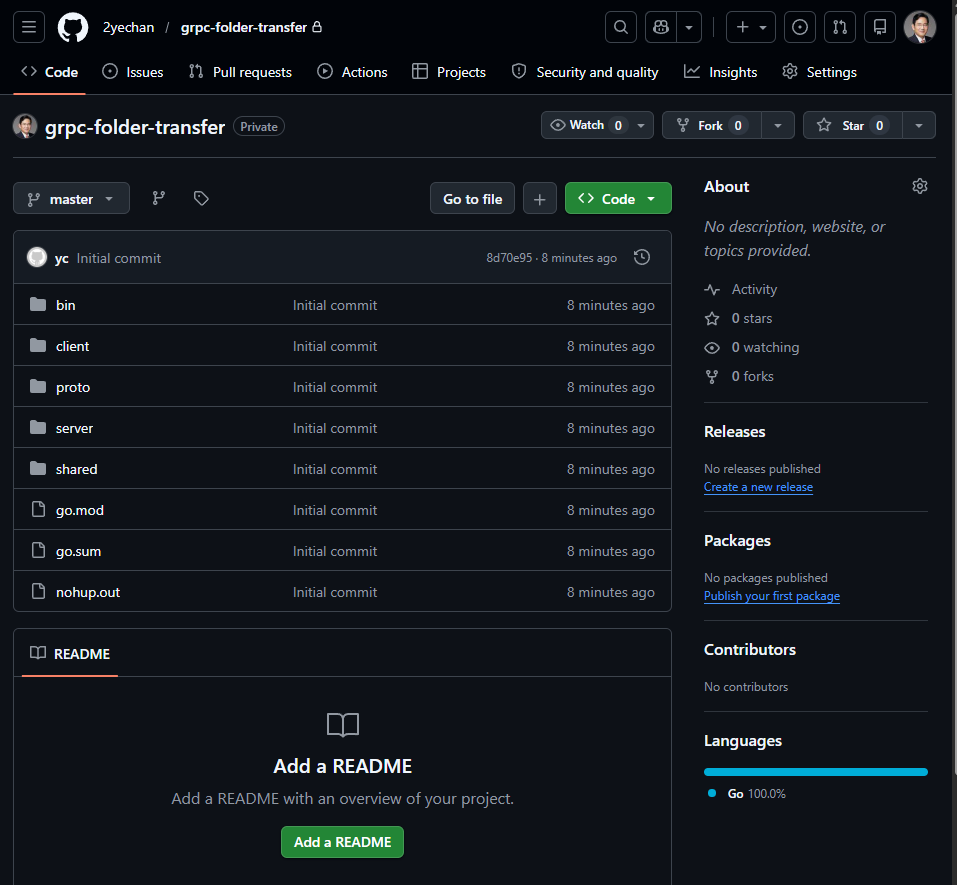
Private Repository가 정상적으로 생성된 것을 확인 가능하며, 모든 파일이 정상적으로 push된 것 역시 확인된다.